Voiceenhancer Explore voice tools
English

Clearer recordings

Use a voice enhancer free of setup friction

A voice enhancer free workflow can help you start with an imperfect recording and make practical improvements without a complicated audio workspace. Check the result, keep what sounds natural, and refine from there.

Review the result before sharing
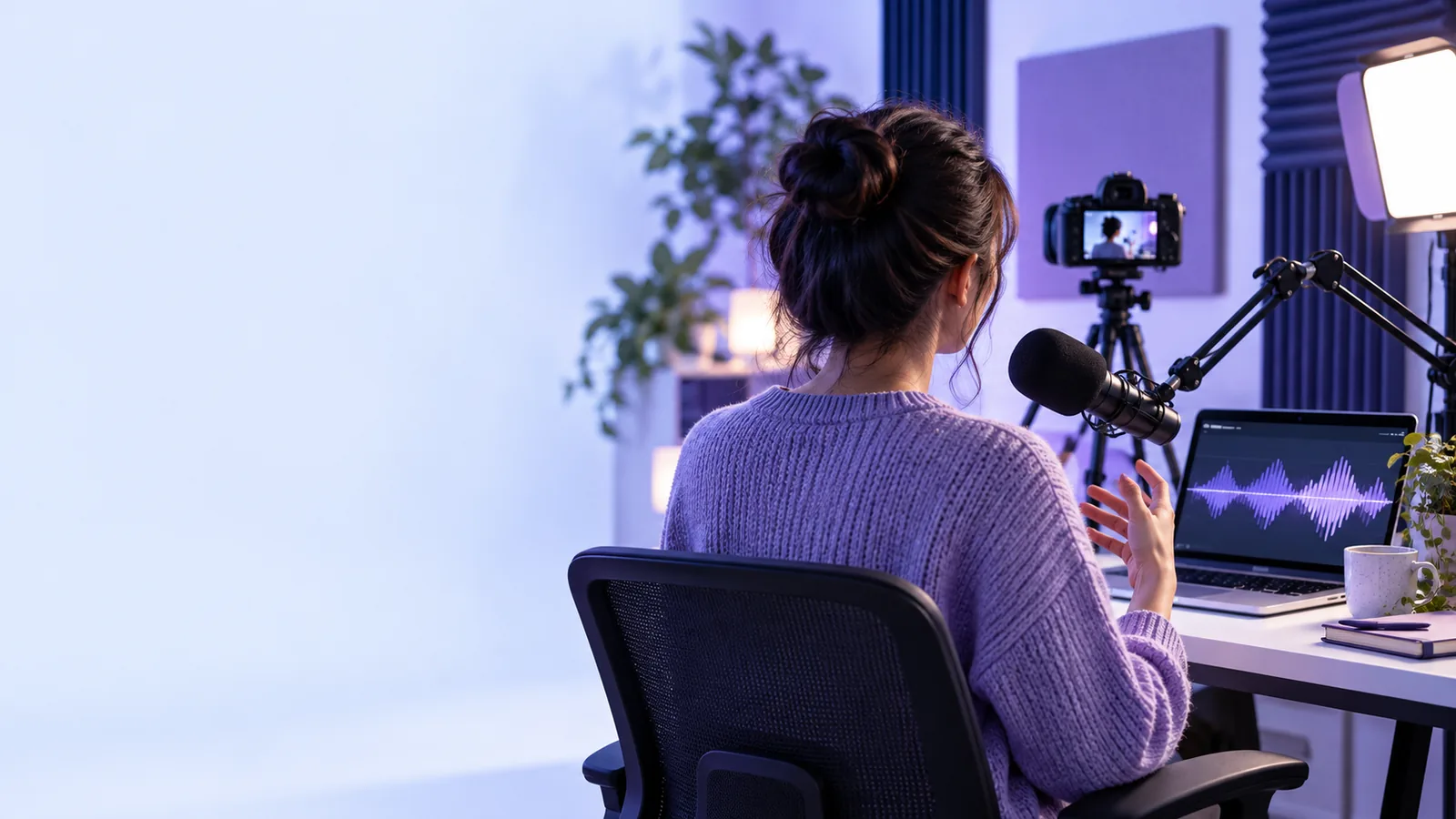
Voice recording workspace with a highlighted waveform

Know the edges

What a free voice enhancer cannot do

A free workflow reduces friction, but it does not turn every recording into a studio take. These boundaries help you set a useful starting point.

It cannot remove every background sound

Traffic, room noise, music, and overlapping speakers can share the same frequency range as the voice, so some residue may remain.

Workaround

Start with the cleanest source available and make the enhancement conservative.

It cannot repair missing words

If speech is clipped, muted, or covered completely, processing cannot reliably recreate what was never captured.

Workaround

Re-record the sentence or replace the damaged passage before polishing the file.

It cannot guarantee a natural result

Strong processing may make a voice sound thin, metallic, overly bright, or unusually close.

Workaround

Compare the processed clip with the original and reduce the effect when character changes too much.

It cannot replace good recording technique

A distant microphone, heavy echo, or inconsistent delivery limits what any voice enhancer can improve.

Workaround

Move closer to the microphone, reduce reflections, and record a short test first.

Simple workflow

Three steps from rough clip to clearer voice

The quickest path is to define the problem, process a short sample, and listen before committing to the full recording.

  1. 1

    Choose the source

    Use the clearest version of the recording you have. Trim long silence and identify the section that needs the most help.

  2. 2

    Describe the improvement

    State whether you want more clarity, less distraction, or a more balanced spoken sound. Specific intent makes review easier.

  3. 3

    Listen and decide

    Compare the result with the original at a comfortable volume. Keep the change if speech is easier to follow without sounding artificial.

Set expectations

Free starting point versus a prepared recording

The comparison is not about replacing one with the other. It shows where a voice enhancer helps and where the source recording still matters most.

Free enhancement starting point
Prepared recording

Best starting material

Free enhancement starting point

An existing clip with understandable speech

Prepared recording

A new take recorded with attention to distance and room noise

Setup effort

Free enhancement starting point

Low; begin with the file you already have

Prepared recording

Higher; plan the room, microphone, and delivery

Useful first goal

Free enhancement starting point

Make speech easier to hear and review

Prepared recording

Capture a cleaner signal before processing

Room echo

Free enhancement starting point

May remain if it overlaps the voice

Prepared recording

Can often be reduced at the recording stage

Control during capture

Free enhancement starting point

Limited to the source already recorded

Prepared recording

You can adjust placement, level, and surroundings

Best use

Free enhancement starting point

Fast cleanup, testing, and practical drafts

Prepared recording

Important takes that need a stronger original signal

Useful scenarios

Where a free voice enhancer can help

Different listeners notice different problems. Start with the use case that matches your recording instead of applying the strongest possible change.

Course creator

A lesson recording is understandable but soft and slightly uneven from room to room.

A clearer draft is easier for students to follow before the final edit.

voice enhancer online free

Singer

A rehearsal take needs a more intelligible vocal center before you review phrasing and timing.

You can judge the performance more easily without treating the draft as a finished mix.

voice enhancer for singing

Podcast host

A spoken clip has distracting room sound and inconsistent presence between phrases.

A cleaner review copy helps you decide which sections need another take.

podcast voice enhancer

Video presenter

A short camera recording is usable, but speech competes with the surrounding environment.

The voice becomes easier to assess before you publish or continue editing.

how to use voice enhancer online

Hear the difference

Compare the source with the processed result

Unprocessed voice recording shown in a comparison panel Original clip
Enhanced voice recording shown in a comparison panel Enhanced clip
Use the original as your reference. A better result is one that improves intelligibility while preserving the speaker's character.

Start with one clip

Make the next recording easier to hear

Bring a real voice clip, describe the problem you notice, and review the result before deciding what belongs in the final edit. A voice enhancer is most useful when it supports your judgment rather than hiding the limits of the source.

Improve my voice
  • Start with a short, representative section
  • Compare the processed result with the original
  • Keep the change natural enough to trust

Common questions

Free voice enhancer FAQ

A free starting workflow can help you test whether enhancement suits your recording before you commit to a larger edit. Review the current product experience and any access conditions at the point of use, since availability can vary.

It is most useful for practical changes such as making speech easier to follow, reducing some distraction, or balancing an uneven recording. It cannot reliably restore words that were never captured or remove every sound that overlaps the voice.

No. The source recording still controls much of the result, especially when it contains strong echo, clipping, wind, or competing speakers. Use the lightest change that improves clarity and re-record important passages when necessary.

Start with a short representative section so you can hear whether the voice remains natural. Once the direction works, review the full recording for changes in tone, background sound, and consistency before sharing it.

Explore voice tools
Explore voice tools